
BlueStacks
BlueStacks is an Android emulator for Windows that lets you run Android apps and games on your PC.
Windows
Free

2407.40000.4.0 · Microsoft Corporation · Page updated
Windows Subsystem for Android was a Windows 11 component for running Android apps; Microsoft discontinued it on 5 March 2025.
Average 0.0 · ratings: 0
Thank you! Your rating is saved; you can change it. Could not save the rating. Please try again later. Too many ratings from your network today. Please try again tomorrow. The average appears after 5 ratings.
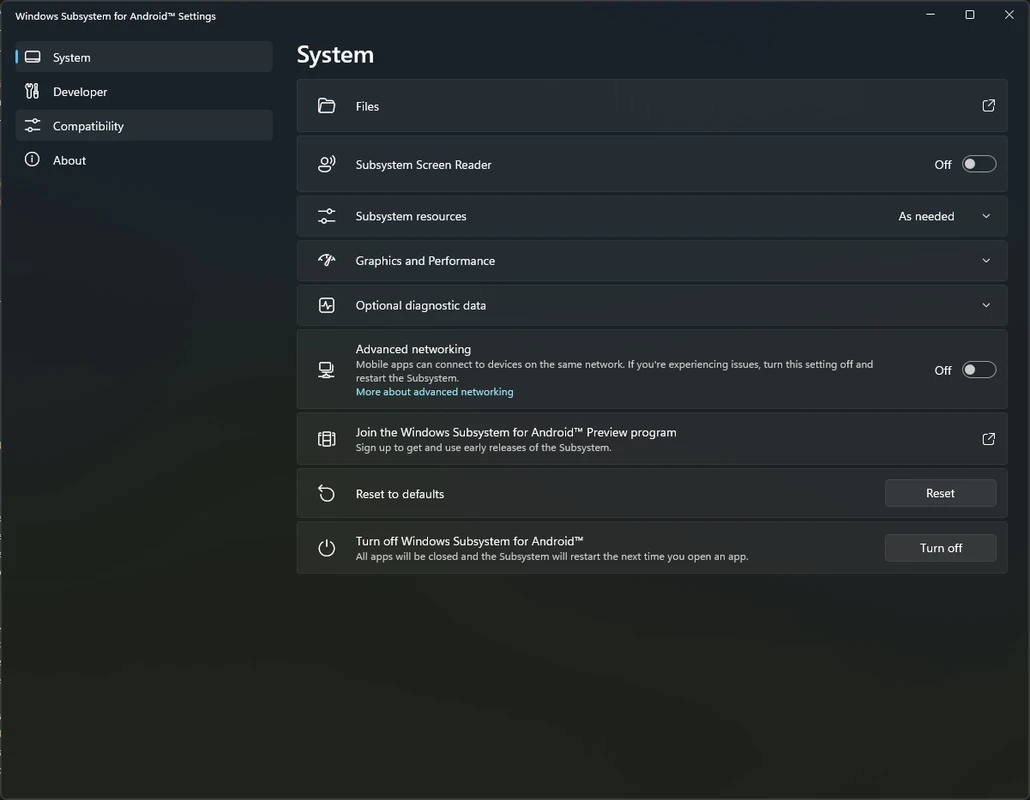
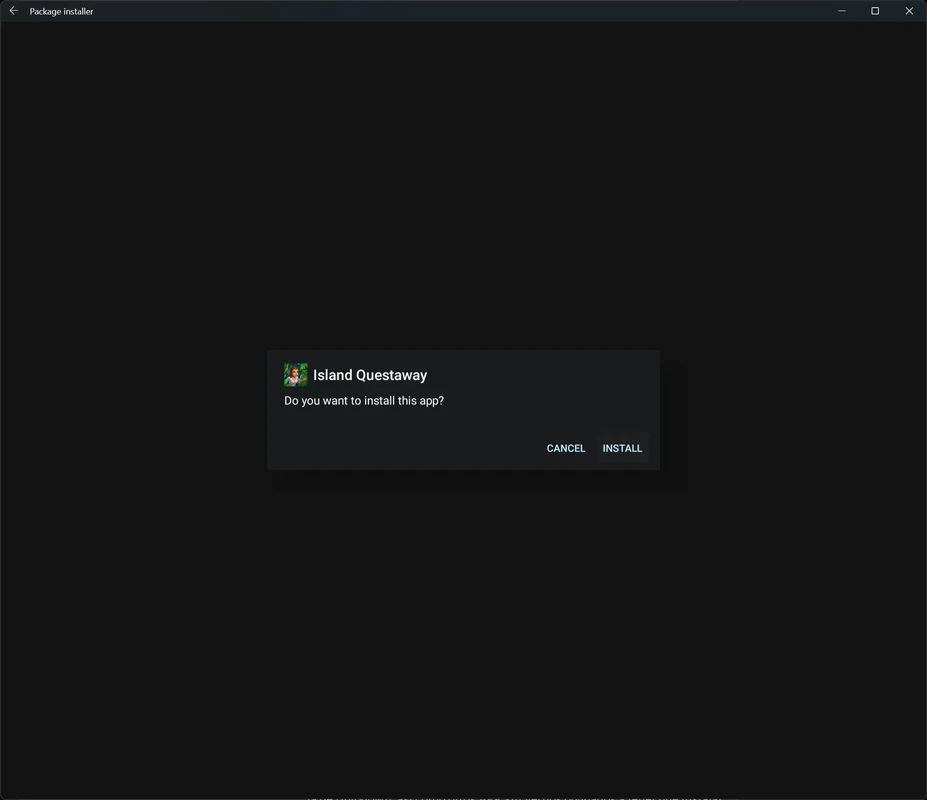
Windows Subsystem for Android (WSA) was a Microsoft component for Windows 11 that let the PC run Android apps from the Amazon Appstore. Microsoft discontinued it on 5 March 2025, so it no longer receives updates or support, and the Amazon Appstore for Windows was retired at the same time. The last version listed on this page is 2407.40000.4.0.
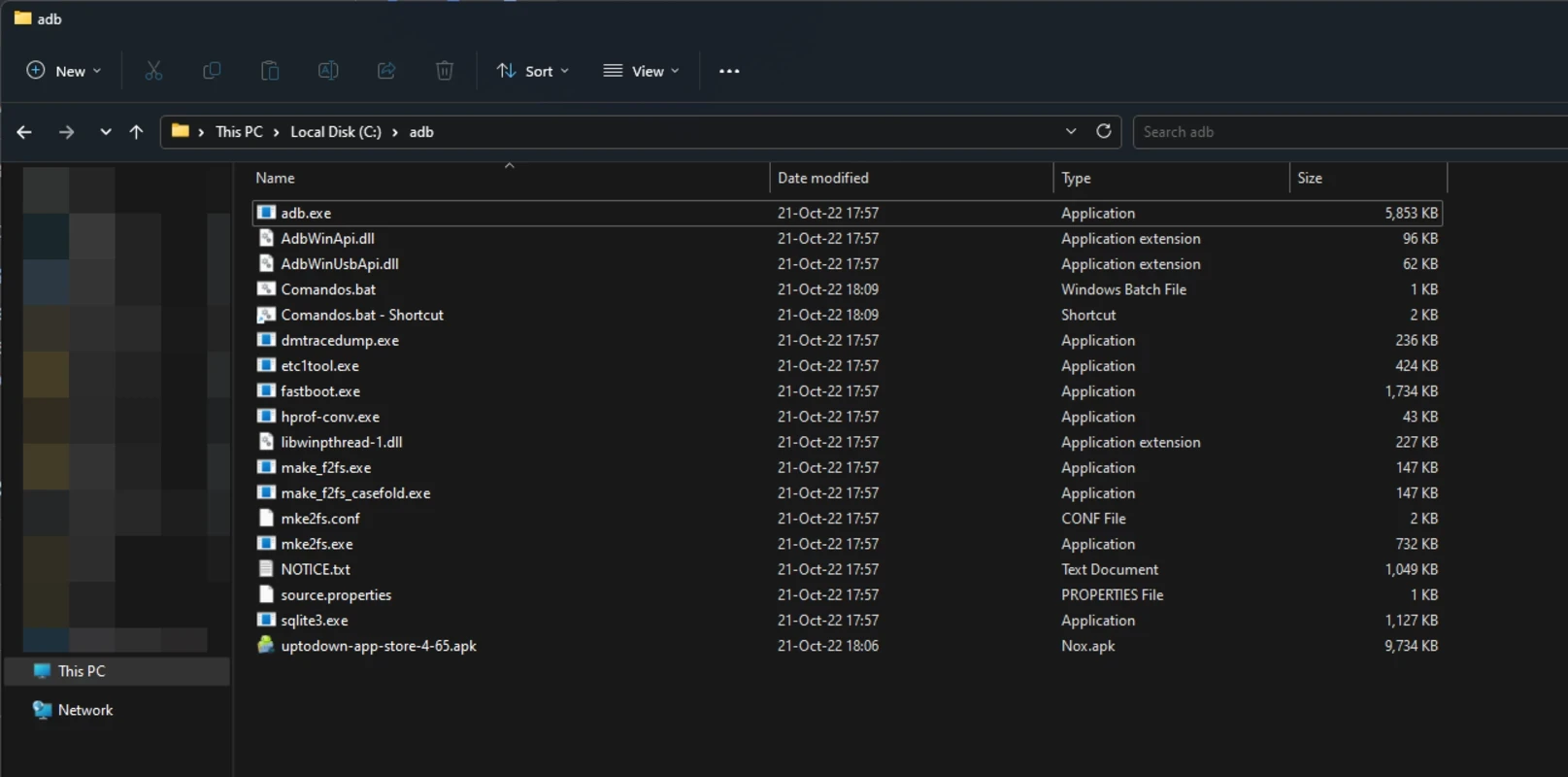
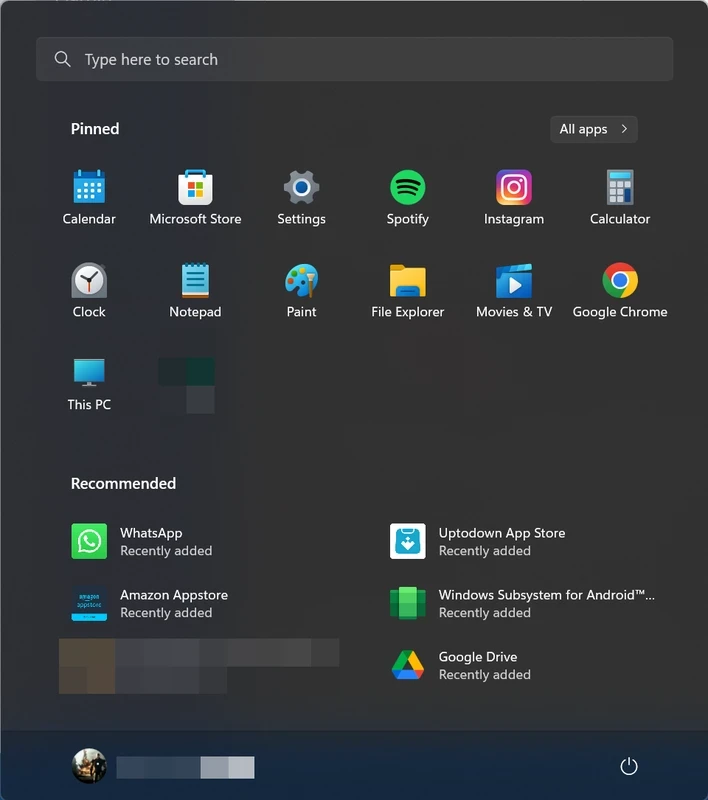
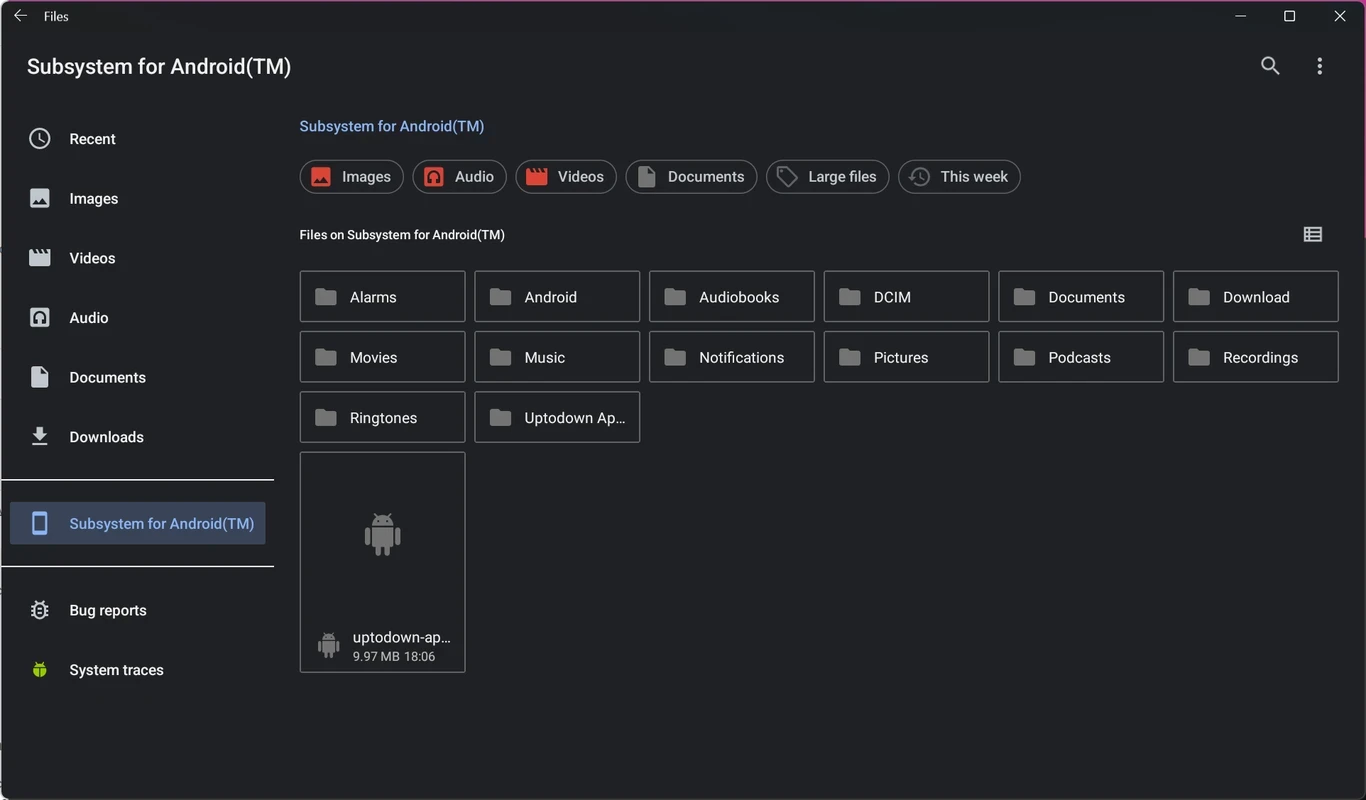
WSA was a compatibility layer: a lightweight virtual machine with an Android system inside, tightly integrated with Windows 11. Android apps installed through the Amazon Appstore appeared in the Start menu, ran in their own windows next to Windows programs, used notifications and the clipboard, and could be pinned to the taskbar. For users it felt like a native feature rather than an emulator. Developers could also sideload APK files through a debugging connection, which made WSA a handy testing platform. The catalogue of the Amazon Appstore was much smaller than Google Play, and Google services were not included, so many popular apps were missing. Microsoft published documentation and an issue tracker on GitHub under the MIT License, and the documentation now lives in its previous versions archive.
Since 5 March 2025, WSA and the Amazon Appstore are no longer available for new installations from the Microsoft Store, and Microsoft provides no security updates or fixes. Apps that relied on Amazon's store and account services may stop working. Microsoft's WSA documentation archive and the support article on mobile apps describe the end of support.
An archived package may still be useful for research, app testing or studying how the subsystem worked. Be realistic: it gets no updates, sign-in to the Amazon Appstore and other online features may not work, and nothing guarantees that it installs or runs on current Windows builds. Use it on a test machine, not on a PC with important data.
WSA required Windows 11 on an x64 or ARM64 processor, the Virtual Machine Platform feature enabled, and 16 GB of RAM was recommended. The package itself is large, about 1.36 GB according to catalogue data.
No, WSA was free. Some apps in the Amazon Appstore were paid.
Android emulators on our site include BlueStacks, LDPlayer and NoxPlayer. To use your real phone from Windows, iMyFone MirrorTo mirrors the screen, and Samsung Flow connects Galaxy devices.
BlueStacks is an Android emulator for Windows that lets you run Android apps and games on your PC.

LDPlayer is an Android emulator for Windows that runs mobile apps and games on a computer.
NoxPlayer is a free Android emulator from Bignox for Windows and macOS that runs mobile games and apps on a computer with keyboard and mouse control.
Android Studio is Google's free integrated development environment for building Android apps. This page covers version 2026.1.4.8 Quail 4 Patch 1 for Windows.
Google Play is Google's digital distribution platform. On Windows, Google offers Play content through the browser and Google Play Games on PC.
Media Creation Tool is a free Microsoft utility that downloads Windows and turns it into a bootable USB flash drive or an ISO file.
LDPlayer is an Android emulator for Windows that runs mobile apps and games on a computer.
BlueStacks is an Android emulator for Windows that lets you run Android apps and games on your PC.
Rufus is a free Windows utility that turns a USB stick into a bootable installer. The current version is 4.15.

PC App Store is a free software store for Windows from Baidu for finding, installing and updating PC programs. This page covers version 5.0.1.8682.

Uptodown App Store for Windows is the desktop client of Uptodown, a marketplace for desktop software and mobile apps. This page covers version 1.0.3.
NoxPlayer is a free Android emulator from Bignox for Windows and macOS that runs mobile games and apps on a computer with keyboard and mouse control.